The short version: An AI safety camera is a pattern spotter, not a guard. It flags missing PPE, people crossing into a forklift's path, a blocked exit, or a repeated ergonomic strain, consistently and around the clock. What it will not do is fix the hazard, and it will not earn your crew's trust on its own. Use it to see patterns and act faster, not to police people or replace the fix.
The pitch is easy to like: take the feeds you already have, run them through software, and let it watch every aisle at once without getting bored. Some of that is real. Some of it quietly oversells what a camera can do.
What the camera is actually good at
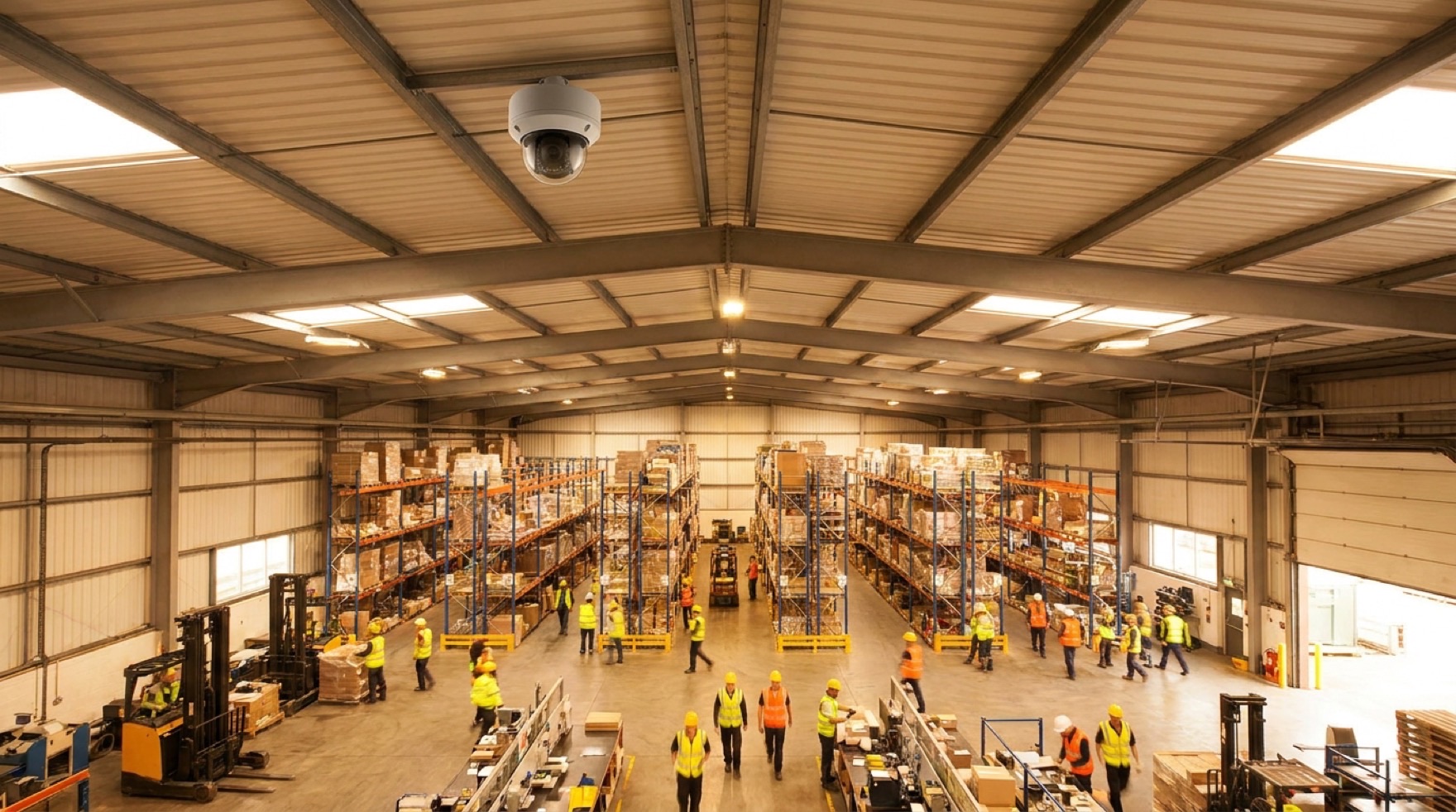
The core idea is simple. A feed runs through an object-detection model trained to recognize people, vehicles, equipment, and gear. When it sees something it was trained to flag, it raises an alert or logs a tag. The National Safety Council, in its Work to Zero white paper on computer vision, describes systems that take existing CCTV feeds and turn them into dashboards for safety leaders.
A handful of uses hold up well. PPE checks are the obvious one: the camera notices when a hard hat or a hi-vis vest is missing in an area that calls for it, the same way on every shift, without a supervisor standing there to catch it.
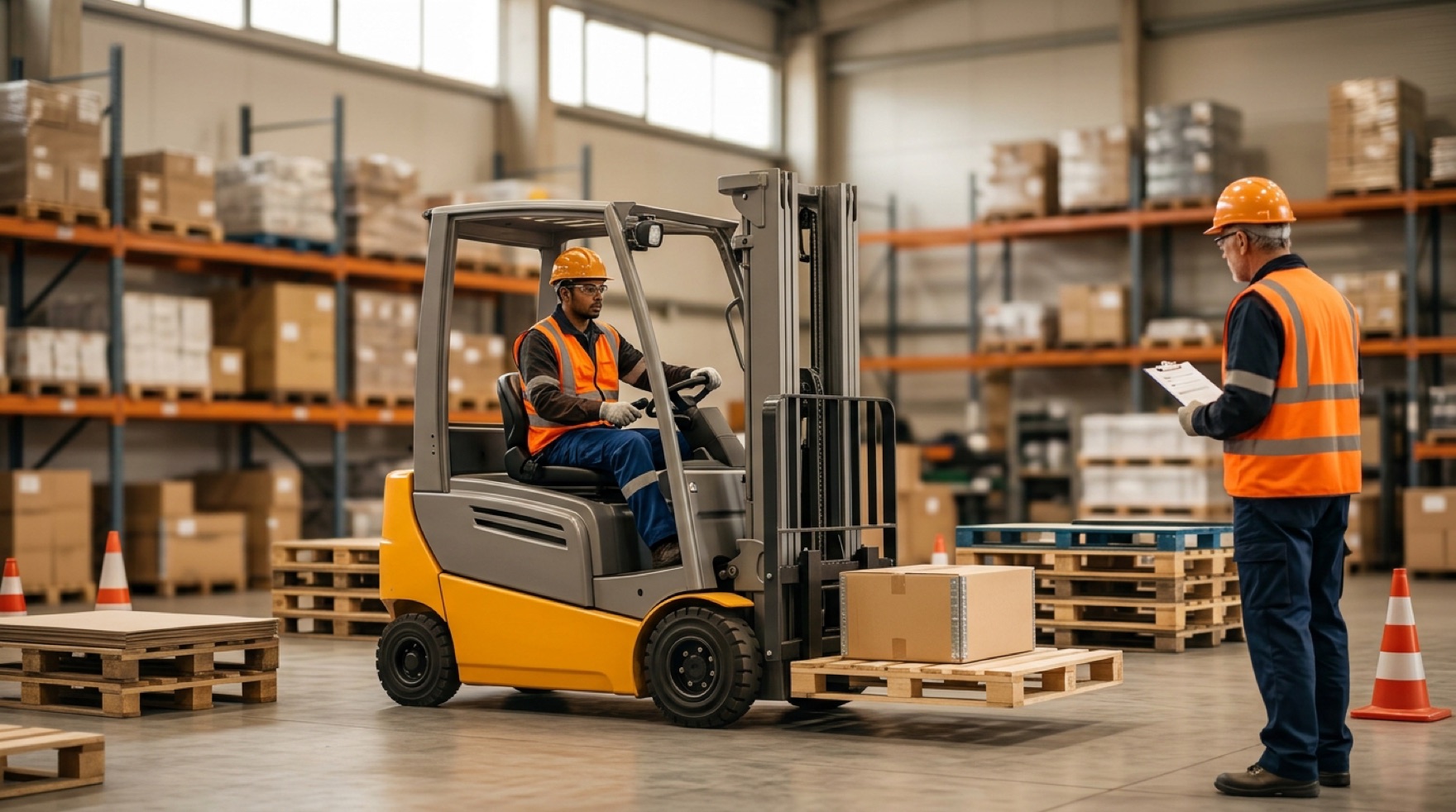
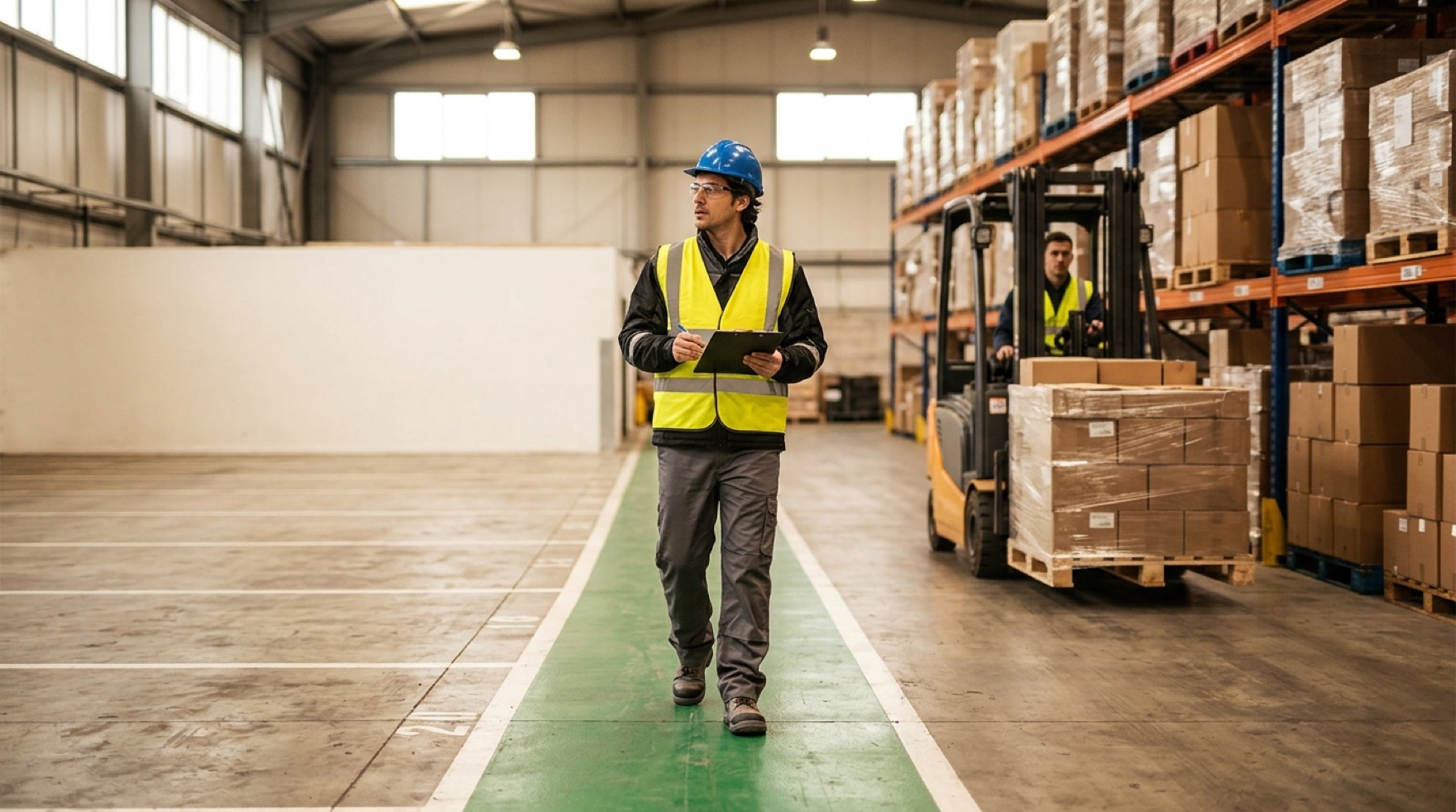
Proximity is the stronger case. In a mixed aisle where forklifts and people share the floor, a model can watch whether a walker's path is about to cross a truck's line of travel and alert before the two meet. Blocked exits, a spill left in a walkway, a hand reaching into a machine's danger zone: these are visual patterns a trained model catches around the clock.
It is also patient in a way people are not. NSC notes these systems can learn the habits of a workspace and log the conditions that tend to run ahead of an incident, which is why they fit heavy-machinery settings like warehousing, manufacturing, and logistics. Combing weeks of footage for one repeated ergonomic risk is tedious for a person and quick for software.
A flag is not a fix
Here is the honest limit. A camera that spots a blocked exit has not cleared the exit. A model that flags a missing guard has not put the guard back on. The alert is the start of the work, not the end of it.
That sounds obvious, and it is the easiest thing to forget once a dashboard is glowing with numbers. A wall of alerts can feel like safety while the hazard sits exactly where it was. The camera sees the pattern. A person still has to close it out.
The order of controls has not changed either. If a walkway keeps triggering pedestrian-in-aisle alerts, the answer is usually a barrier, a rerouted path, or a schedule change, not a louder alarm. The camera tells you where to look. It does not do the fixing.
| What an AI camera does well | What it cannot do |
|---|---|
| Flag missing PPE the same way on every shift | Put the missing gear on the worker |
| Warn when a person and a forklift are about to cross paths | Re-route the aisle or add the barrier |
| Notice a blocked exit or a spill in a walkway | Clear the exit or clean the spill |
| Surface a repeated ergonomic pattern from weeks of footage | Redesign the task so the strain goes away |
| Log the conditions that tend to precede incidents | Decide what the fix should be and own it |
The trust problem is real
Point a camera at people all day and you have a trust question whether you meant to raise one or not. Workers reasonably want to know what is recorded, who watches it, how long it is kept, and whether it will be used against them.
NIOSH has been direct about this. In a 2024 commentary on managing workplace AI risks, its scientists list privacy, autonomy, and transparency among the principles an ethical workplace AI system should respect: a worker's right to control their own data, to not be controlled by an automated system, and to make sense of how the system reaches its decisions. They also name the "black-box" problem, that when people cannot see how a model decides, they are right to be wary of trusting it.
The practical read: a system rolled out to catch and punish people tends to fail, and one rolled out to find hazards tends to earn room to work. NSC recommends involving employees at every level in trialing the technology so they can raise concerns early. Many systems can blur faces and anonymize identity, which helps, but the framing matters more than the feature. Prevention, not policing.
False alarms wear people down
No model is right every time. It will miss a vest that blends into the background, and it will flag a person who was never in danger. Pile up enough false alerts and the people watching the dashboard learn to tune it out, the same alarm fatigue that dulls any warning that cries wolf.
That is a tuning and staffing question, not a reason to walk away. Keep a human in the loop to judge the flags, set thresholds against the real risk rather than raw distance, and read a growing stack of ignored alerts as a sign the system needs work, not proof the floor is fine.
See patterns, act faster
At its best, an AI safety camera is a second set of eyes that never blinks, surfacing patterns a walk-around would miss and pointing a person at the spot that needs attention. On a busy floor, seeing faster is worth a lot.
Just keep it in its lane. It helps you see and act sooner. It does not fix the hazard, and it does not stand in for the trust you build with the crew working under it. Treat it as the eyes, and keep the hands and the judgment where they belong.